Description
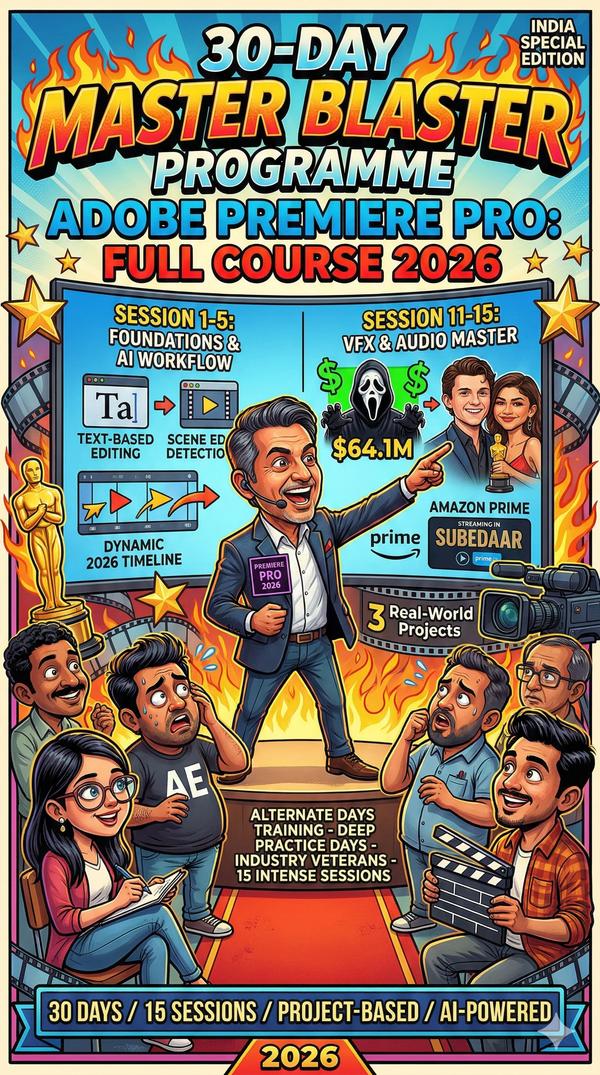
30-Day Adobe Premiere Pro Masterclass (2026 Edition)
Structure: 15 Sessions | Alternate Days | Industry Veteran Led
Phase 1: The Foundation & AI-Powered Workflow
Day 01: The 2026 Interface & Native AI Setup
Optimizing hardware for AI rendering.
Generative Extend: Using AI to fill gaps in footage and audio.
Project organization & the new “Intelligent Import” window.
Day 03: Text-Based Editing (The Modern Standard)
Editing video by manipulating transcripts.
Scene Edit Detection: Deconstructing old videos into editable clips instantly.
Rough-cut assembly techniques used by news & documentary veterans.
Day 05: Precision Cutting & Advanced Tools
Mastering the Ripple, Rolling, Slip, and Slide tools.
Advanced Trimming in the Program Monitor.
Maintaining “Pacing and Rhythm” (The Veteran’s Secret).
Phase 2: Visual Mastery & Cinematic Techniques
Day 07: Professional Color Correction (Lumetri Basics)
Understanding Scopes: Waveform, Parade, and Vectorscope.
Matching colors across different cameras (Log vs. Rec.709).
The “Secondary Color” workflow for skin tones.
Day 09: Cinematic Color Grading & LUTs
Creating “The Look”: Teal & Orange, Noir, and Vintage.
Using AI Enhanced Mask Tracking for localized grading.
Shot matching and consistent grading across a timeline.
Day 11: Compositing & Special Effects
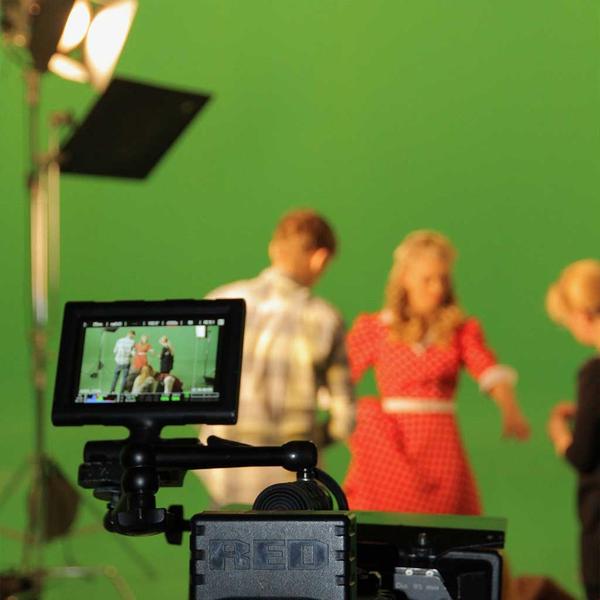
Keying: Advanced Green Screen (Ultra Key) in 2026.
Luma Keying: Using light values for radiant Hollywood transitions.
Masking and Tracking: Blurring faces or adding motion elements.
Phase 3: Audio Design & Motion Graphics
Day 13: The Essential Sound Panel & Audio AI
Auto-Ducking: Instant music-to-voice balance.
Speech Enhancement: Removing background noise via AI.
Multichannel audio routing and mixing for 5.1/Stereo.
Day 15: Motion Graphics & Essential Graphics
Creating modern Lower Thirds and Title cards.
Dynamic Linking: Moving between Premiere and After Effects.
Keyframing: Animating logos, text, and graphics.
Day 17: Social Media & Vertical Video Mastery
Auto-Reframe: Converting 16:9 to 9:16 for Reels/Shorts instantly.
Captions & Subtitles: AI-generated 100% accurate transcripts.
Design for mobile-first consumption.
Phase 4: Advanced Projects & Delivery
Day 19: Multi-Cam & Collaborative Workflows
Syncing 10+ cameras instantly.
Frame.io Integration: Real-time client feedback and cloud collaboration.
Managing heavy 4K/8K proxy workflows.
Day 21: The “Nike Ad” Style Project
Fast-paced editing, speed ramping, and match-cuts.
Using Gradient Wipes for professional transitions.
Day 23: Documentary & Narrative Project
Storytelling through “A-Roll” and “B-Roll” management.
Advanced audio sweetening and foley design.
Day 25: Troubleshooting & Project Management
Solving “Media Offline” and cache issues.
The Project Manager: Archiving and consolidating files.
Day 27: Final Polish & Exporting for 2026
Mastering Adobe Media Encoder.
Exporting for Broadcast vs. Web vs. Digital Signage.
Creating custom presets for high-efficiency delivery.
Day 29: Portfolio & Industry Pitching
Building a 60-second Showreel.
Industry Veteran Q&A: How to land high-paying freelance or studio jobs.
Key Course FeaturesFeatureDetailsProject-BasedWork on 3 real-world projects (Music Video, Corporate, Social Reel).Mentorship1:1 Review sessions on your “Practice Days” (the gap days).CertificationIndustry-recognized Professional Video Editor Certificate.AI Focus2026-specific training on Generative AI tools within Premiere.